“Can you hold it up to the camera?”
Squinting at photos of working, or waiting for a screen share, when you just want to see what they wrote.
 Maths Tutoring Rocks Platform for tutors
Founding tutor trial · free · limited places
I'm Jon Glover, a private maths tutor and Edexcel examiner. I've built the online maths tutoring platform I always wanted for my own lessons, and I'm looking for a small group of private maths tutors to trial it with their students, free, in exchange for honest feedback.
One minute, recorded live: Ella's screen on the left, the tutor's on the right. Nothing mocked up.
No sound: captions are on screen. Shows a student filling in a table and plotting a graph while the tutor watches live, instant marking with a grade estimate, and both annotating a circle theorem diagram.
Squinting at photos of working, or waiting for a screen share, when you just want to see what they wrote.
Checking every answer by hand, then marking the rest of the paper after the lesson.
Video call, whiteboard, PDFs, past papers and a spreadsheet of scores, all in different places.
This platform puts the whole lesson in one room, and it's built around how maths is actually taught.
Every screenshot on this page is from a real lesson on the live platform. Ella is a demo student.
See their thinking
When your student fills in a table of values or plots a graph, it appears on your screen as they go. Correct values light up green, and only you can see that. You can draw on their graph too, and move their points if you want to show them something.
Marked in seconds
Answers are checked the moment your student presses Check answer. That includes plotted graphs and tables. The correct graph appears over theirs as a dashed green line, so they can see exactly where they went wrong, or that they nailed it. Then it moves on to the next question.
Exam ready
Load a full GCSE paper and work through it together, question by question, with the mark scheme beside you. As marks come in, a running total and grade estimate update in your header, for example “5/5 marks so far · on course for 9”. Use it to show your student, and their parents, how close they are to the next grade.
Geometry, together
For circle theorems, angles and other diagram questions, your student gets a ruler line, pen and text labels right on the exam diagram, with solid or dashed lines. You see every mark live and can add your own in red: a hint, a missing radius, or the theorem they need.
A proper maths board
A shared whiteboard with a ruler, protractor, compasses, graph paper, shapes and PDF import. The question appears on the board automatically, with the answer visible only to you.
Before the lesson
Students log in to a countdown to their lesson, with quick maths games to play while they wait. When you start the session, they're straight in. No “I couldn't find the link”.
I'm keeping the group small, so I can support every tutor properly and act on what you tell me.
Tell me a little about you and your students using the form below.
A short video call: I'll set up your account and walk you through a lesson from both sides.
Use it in your real lessons with your own students, free, for the whole trial.
Short check-ins on what works, what's clunky and what's missing. Your feedback shapes what I build next.
Ideal for: private maths tutors teaching one-to-one online, from KS3 to GCSE, who'd like their lessons to feel less like a video call and more like sitting side by side.
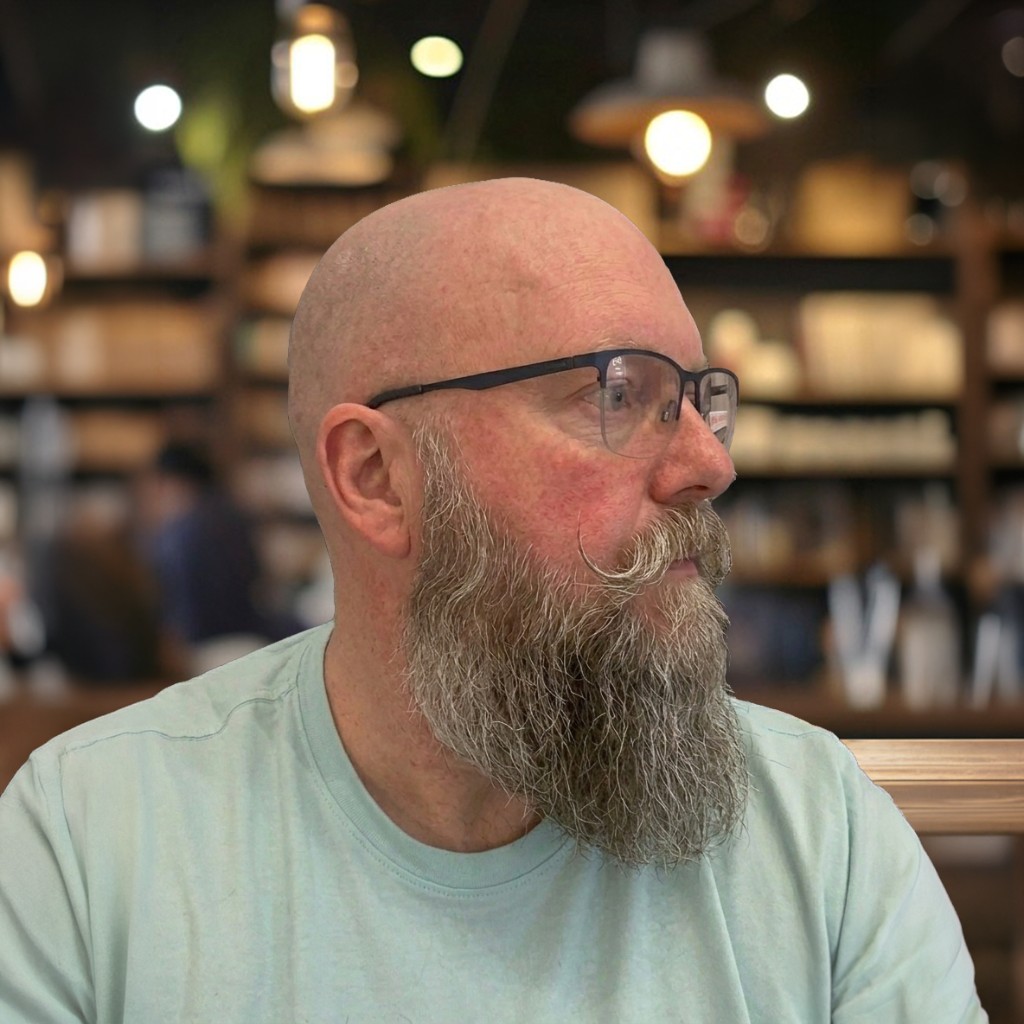
I've taught maths for years, in the classroom and one-to-one, and I mark GCSE papers as an Edexcel examiner. Every feature here started as something I needed in my own lessons. Now I'd love to know whether it works as well for other tutors as it does for me, and what would make it better.
Jon Glover · Maths Tutoring Rocks
Yes. There's nothing to pay during the trial and no card details are needed. All I ask in return is honest feedback.
A modern web browser on a laptop, Chromebook or iPad, plus headphones for audio. There's nothing to download: they join from a link.
Not at all. If you can run a video call, you can run a lesson here. I'll walk you through everything on the set-up call.
The built-in, auto-marked past papers are Edexcel GCSE (Foundation and Higher). The question bank, topic questions and whiteboard work for any board, and you can bring your own PDFs.
Yes. Upload PDFs and worksheets onto the whiteboard, alongside the built-in questions and papers.
It's designed for one-to-one lessons, where seeing your student's working live makes the biggest difference.
Student information is only used to run your lessons. It's never sold or shared. I'll send you the data-protection details before you start, so you can reassure parents.
You'll be the first to hear what comes next, and there's no obligation to carry on. Nothing changes without you choosing it.
It takes two minutes. I'll reply personally, usually within a day or two.